🧑💼 Create Your Account
Written By Ashish Mishra
Last updated About 1 year ago
Step-by-step onboarding:
Go to [usethirdeye.com] - Click on
Signup to create new account - https://app.usethirdeye.com/signup
Login to access your existing account - https://app.usethirdeye.com/login
Get Started is redirected to Signup - https://app.usethirdeye.com/signup
Request demo is you need help in onboarding - https://usethirdeye.com/request-demo

Enter your email, name, and set a secure password.
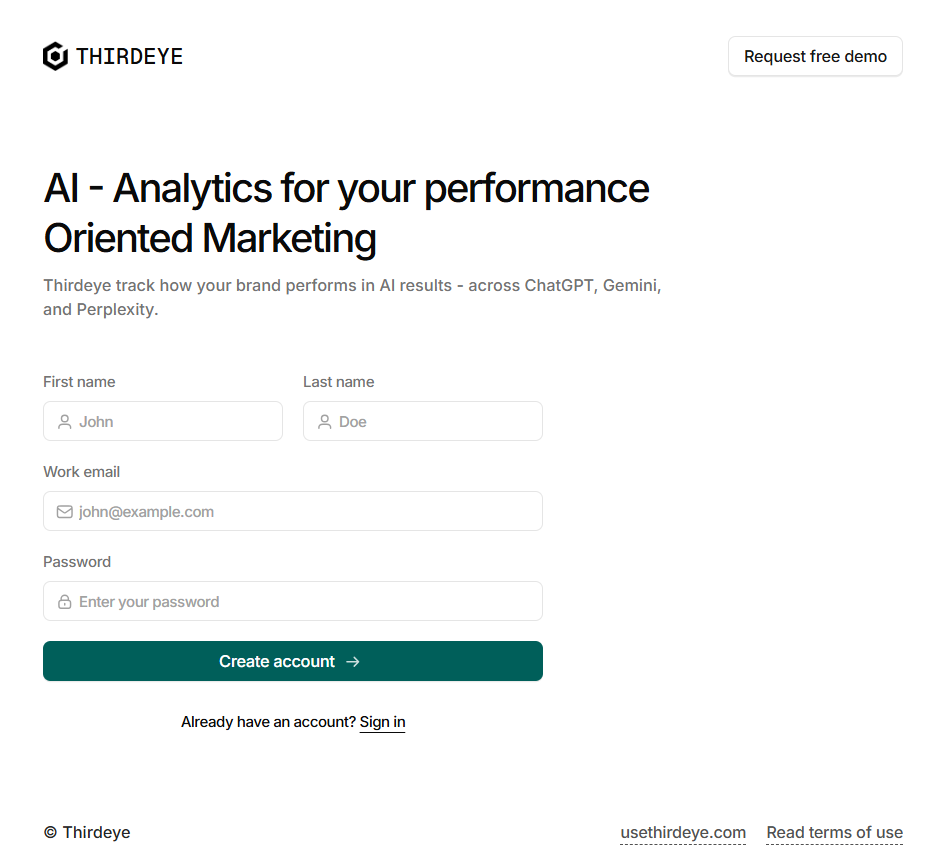
Verify your email and log in.
Account types:
Starter : 1 Account, 5 prompt count
Pro (7 days Free Trial): Full feature access with 25 Prompts
Business: Full feature access with 50 Prompts
Enterprise: Unlimited prompts, priority alerts, SSO, and extended analytics