🚨 Setup Alerts
Written By Ashish Mishra
Last updated About 1 year ago
Ensure you're instantly notified when something critical happens.
Alert Configuration:
Go to Settings
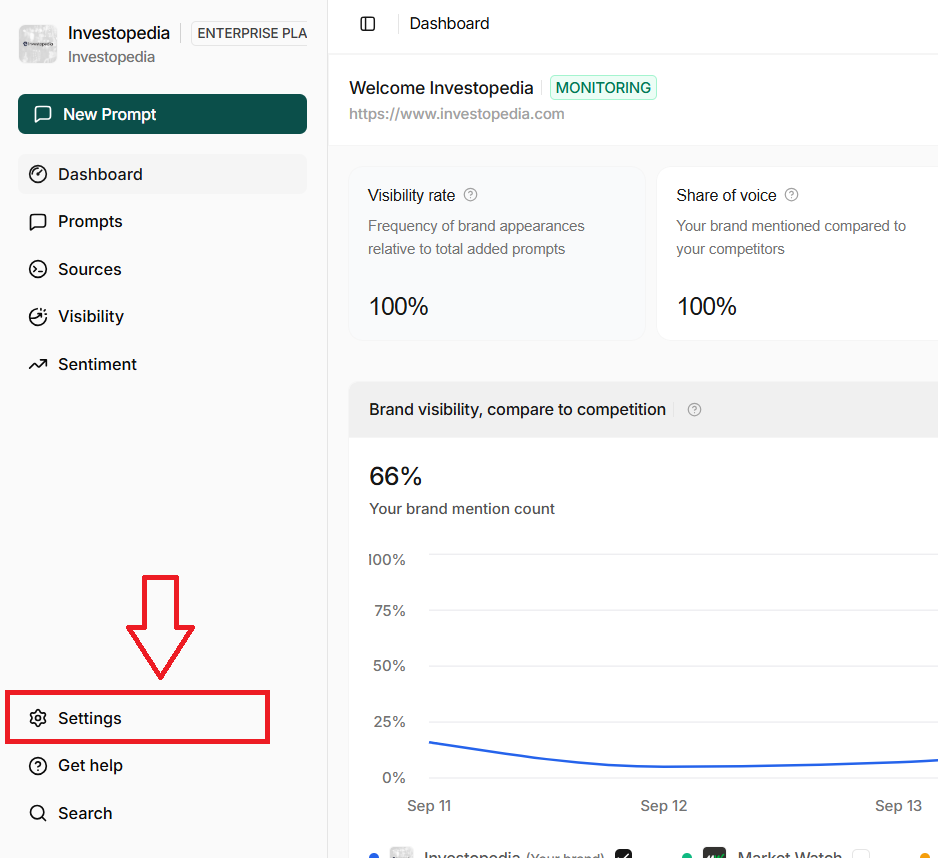
Select ‘Preferences’ > ‘Set monitoring Frequency’

Select Notification Channels:
Email
Slack
Webhook (Zapier, custom apps, etc.) [Soon]
Apply Throttling: Avoid spam with rules like "no more than 1 alert every 6h"
Use Escalation Rules: Route critical issues to senior team members